
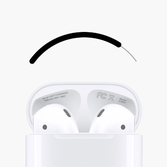
Install Find my AirPods using Signulous
Signulous is the easiest way to sign and install apps like Find my AirPods that are not available on the App Store. You can upload and sign your own apps, or choose from our extensive app library – no computer needed.
How to sign and install Find my AirPods
Please follow these instructions to get Find my AirPods on your device using Signulous:
- Register your device and choose the "iOS Code Signing" option
- Once you've completed the purchase, you'll receive a confirmation email that your device has been registered
- Visit the signing dashboard and link your device if needed
- Find Find my AirPods in the App Library, then click "Sign App" > "Install App"
- Find my AirPods will be installed on your device – enjoy!